Claude Opus 4.6 Agent Teams Explained: A New Era of Multi-Agent AI Workflows
- What changed from sub-agents to Agent Teams
- How Agent Teams are structured
- Why testing in tmux or iTerm2 makes it click
- Practical workflow examples
- Implications for engineering teams
- Research and analysis use cases
- Automation and orchestration potential
- Limitations and things to watch
What changed from sub-agents to Agent Teams
Previously, sub-agents operated inside one shared context. They could perform different subtasks, but:
- They relied on a single memory space
- You could not directly communicate with one specific sub-agent
- Coordination happened implicitly through one main session
Agent Teams introduce a fundamentally different structure.
- Multiple separate sessions are launched simultaneously
- Each agent maintains its own smarter individual context
- Agents communicate with each other
- You can directly address one specific agent
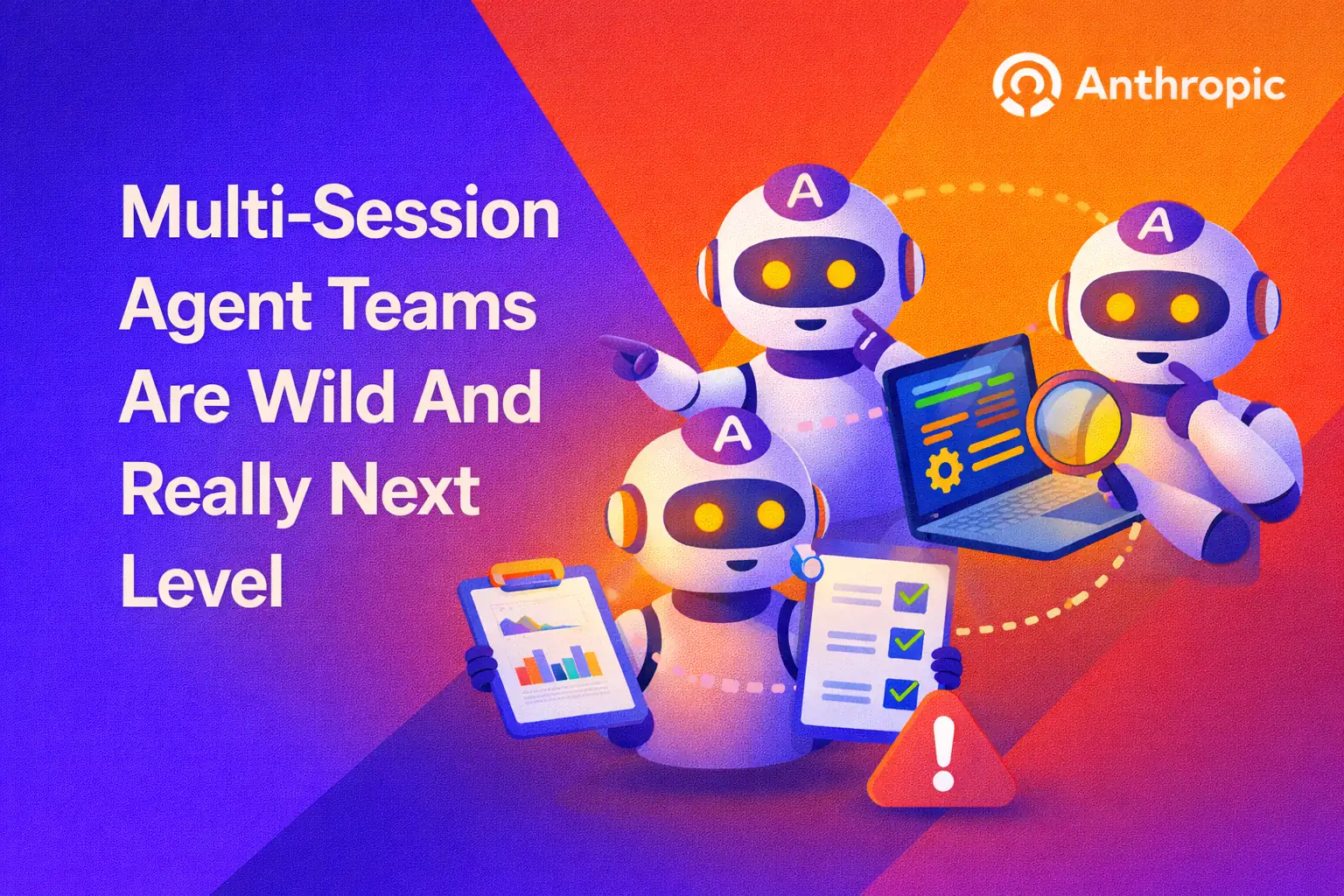
This changes the mental model from “one AI multitasking” to “multiple specialists collaborating.”
How Agent Teams are structured
Agent Teams operate more like a distributed system.
Each agent can:
- Maintain its own reasoning history
- Focus on a clearly defined role
- Pass structured outputs to other agents
In practice, you might see:
- A Builder agent writing code
- An Analyzer agent reviewing logic
- A Validator agent testing edge cases
- A Planner agent thinking ahead about architecture
Instead of collapsing all reasoning into one continuous stream, responsibilities are separated. That separation reduces cognitive overload and improves clarity.
Why testing in tmux or iTerm2 makes it click
When you run Agent Teams inside environments like tmux or iTerm2, you can visually observe parallel sessions.
Each pane can show a different agent executing its task.
- One pane running tests
- Another generating implementation
- Another summarizing results
This visual parallelism changes the experience. You are not waiting for one long response. You are orchestrating a live system.
For developers used to distributed systems, microservices, or CI pipelines, this feels familiar. It mirrors how real teams work.
Practical workflow examples
Example 1: Refactoring a large codebase
Imagine you need to refactor a complex backend module.
- Agent A scans the entire codebase and maps dependencies
- Agent B proposes a new architecture
- Agent C rewrites the implementation
- Agent D generates tests
All of this can happen in parallel sessions. Instead of one monolithic response, you get coordinated outputs that can be reviewed individually.
Example 2: Technical due diligence
- Agent A analyzes financial documentation
- Agent B reviews contracts
- Agent C checks regulatory constraints
- Agent D compiles risk summaries
Because each agent has its own context window, it can focus deeply without polluting the reasoning of others.
Implications for engineering teams
For software teams, this unlocks new possibilities:
- Parallel feature implementation
- Dedicated testing agents
- Continuous review loops
- Architecture validation in real time
It begins to resemble a small AI development team working alongside human engineers.
Especially when combined with Claude Opus 4.6’s expanded context capabilities, entire repositories can be processed with greater coordination.
Research and analysis use cases
Agent Teams are not limited to coding.
In research-heavy environments:
- One agent gathers primary sources
- Another validates credibility
- A third synthesizes findings
- A fourth challenges assumptions
This structured division reduces hallucination risk and improves cross-checking.
Automation and orchestration potential
For automation builders, Agent Teams represent a new orchestration layer.
Instead of one workflow trying to handle everything:
- Agents can specialize
- Tasks can be delegated dynamically
- Outputs can be validated before proceeding
This opens doors for:
- Complex business process automation
- Multi-stage data analysis pipelines
- Autonomous long-running workflows
The key difference is coordination. Not just execution.
Limitations and things to watch
Agent Teams are powerful, but they are still experimental.
- Coordination errors can compound quickly
- Misaligned prompts can create conflicting outputs
- Monitoring parallel sessions requires discipline
This is not a plug-and-play replacement for structured engineering processes. It is an acceleration layer.
The real advantage comes when humans remain in control of orchestration while delegating execution.
Agent Teams in Claude Opus 4.6 mark a shift from single-threaded AI interaction to distributed collaboration.
It feels less like chatting with a model and more like directing a team.
And once you see multiple reasoning threads running side by side in your terminal, it becomes hard to go back.
Curious what AI can build for your business?
I build AI-powered apps, automations and content pipelines - like the Hola Calle language app.
Get in touch